


Contact the Xorder support team with your distributor details. We will help configure secure partner portal access for the relevant catalog.
免费试用
Get support for the three publishing checkpoints: account authorization, category mapping, and catalog publication.
Email support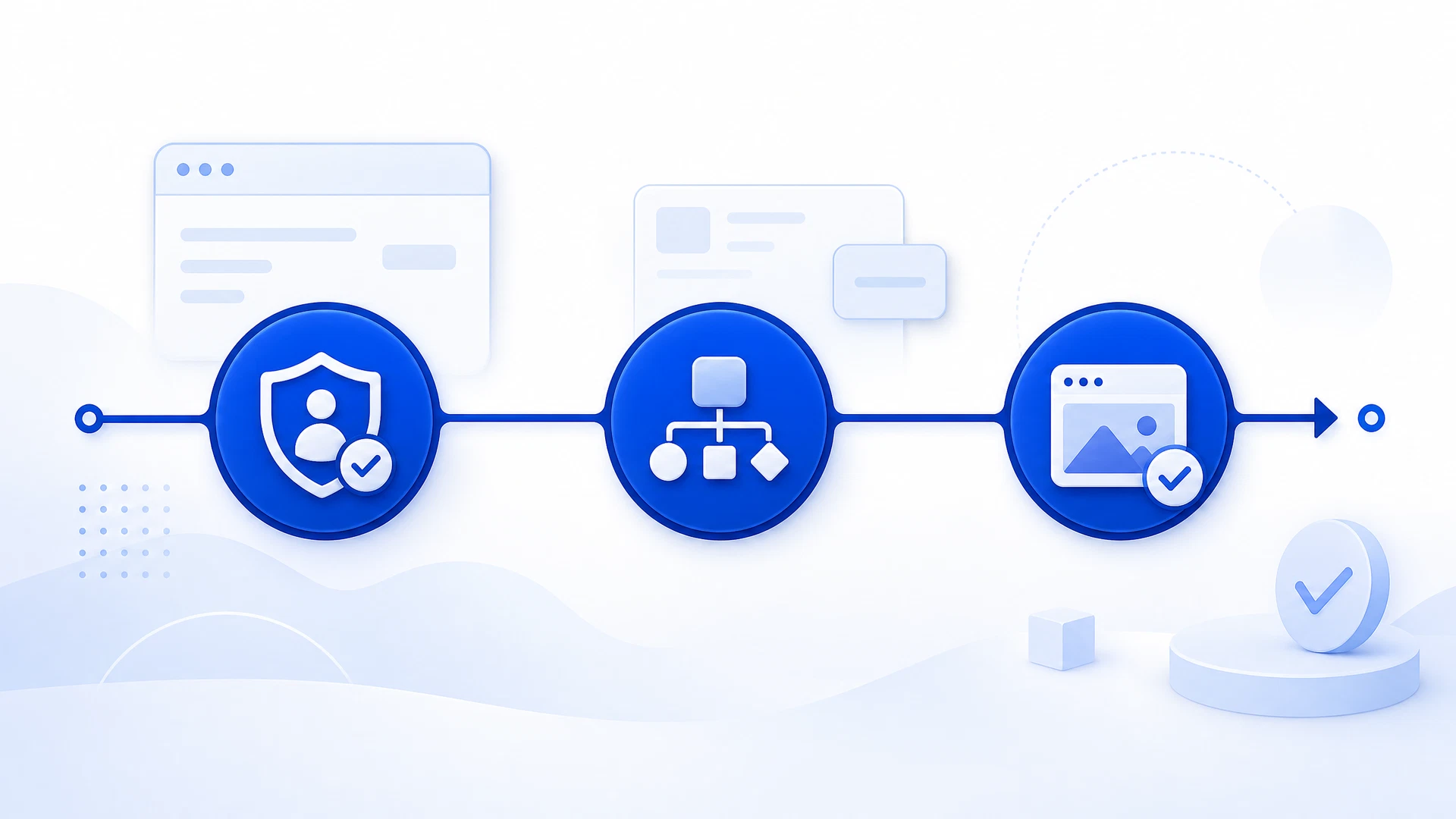
Follow the sequence below to set up a structured product publishing flow.
Connect your account through the secure authorization flow.
Align product information before you publish.
Send approved catalog data to your selected marketplace.
Need a different answer? Send a detailed request to the support team.
info@xorder.com →Contact the Xorder support team with your distributor details. We will help configure secure partner portal access for the relevant catalog.
Publishing times can vary by marketplace and listing complexity. After you submit products, Xorder provides the workflow status so your team can review progress.
Yes. Xorder does not access order management or buyer PII data for this integration. Product data transmissions are encrypted.
Customers can email info@xorder.com or submit a support ticket for 24-hour technical assistance.
客服微信

电话
4000771518
公众号

邮箱
info@xorder.com.cn
咨询

微信扫码咨询